
Updated August 2026. Feature availability differs by country and Meta changes it regularly — the payment-in-catalog feature in particular is not available in Nepal at the time of writing. Check inside the app before planning around any single feature.
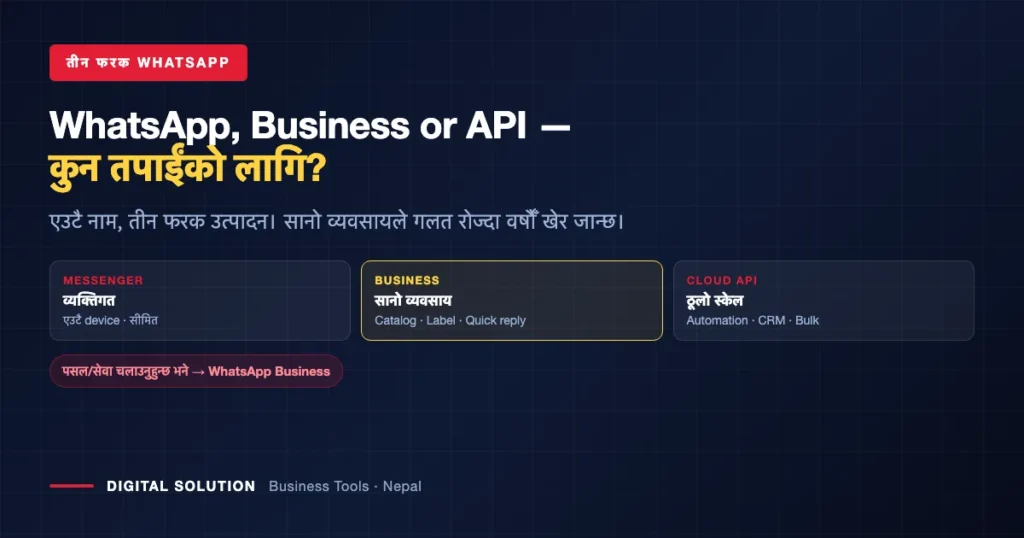
Most Nepali businesses run their customer conversations on WhatsApp — and most are using the wrong one. There are three different WhatsApp products: the ordinary Messenger, WhatsApp Business, and the WhatsApp Cloud API. They share a name and almost nothing else.
Picking wrong costs you either features you needed or complexity you did not. Here is the honest split.
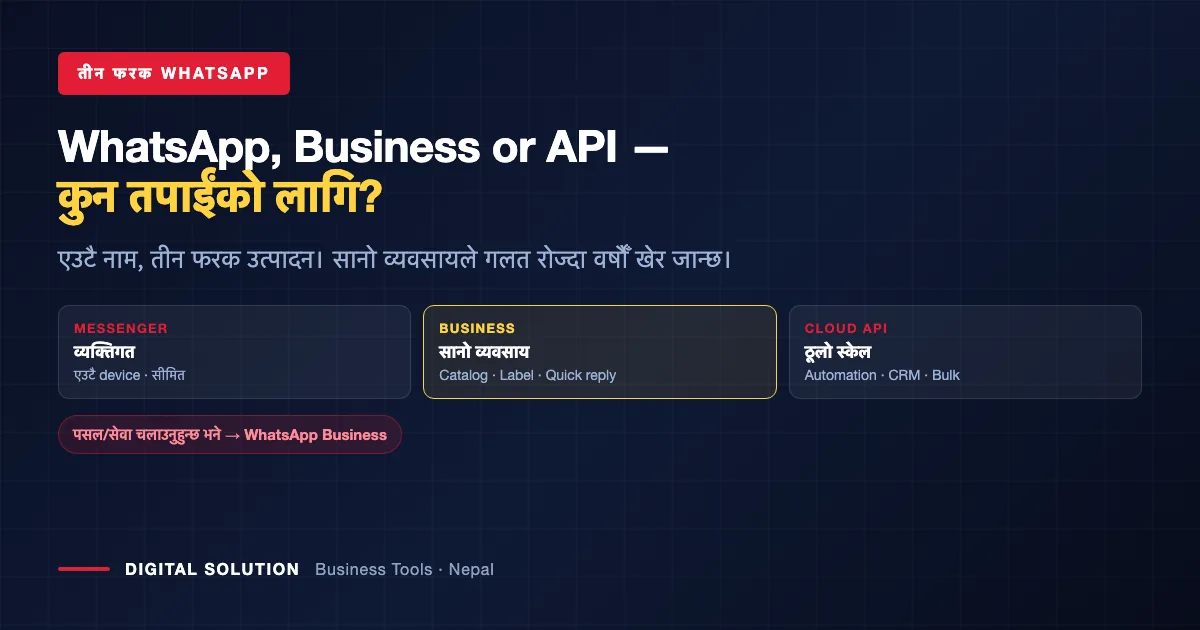
The Three, Side by Side
| WhatsApp Messenger | WhatsApp Business | Cloud API | |
|---|---|---|---|
| Built for | Personal chats and calls | Small businesses | Large-scale, automated operations |
| How you get it | The normal app | Separate free app on Play Store / App Store | Meta’s Cloud API, or a third-party platform |
| Business profile | No | Yes — location, description, website | Yes |
| Product catalog | No | Yes | Yes |
| Customer labels | No | Yes | Via CRM |
| Automation | None | Basic (greeting, away, quick replies) | Full — AI chat, order flows, payment links |
| Bulk messaging | No | Limited | Yes |
| Integrations | None | None | CRM, website, Facebook Ads |
| Verification needed | No | No | Yes — business verification |
1. WhatsApp Messenger — Personal Only
The app everyone already has. One device, contact-list chats and calls, no business features. Fine for talking to family; wrong for running a shop, because you cannot separate customers from cousins, cannot show a catalog, and cannot answer the same question fifty times without typing it fifty times.
2. WhatsApp Business — Where Most Nepali Businesses Belong
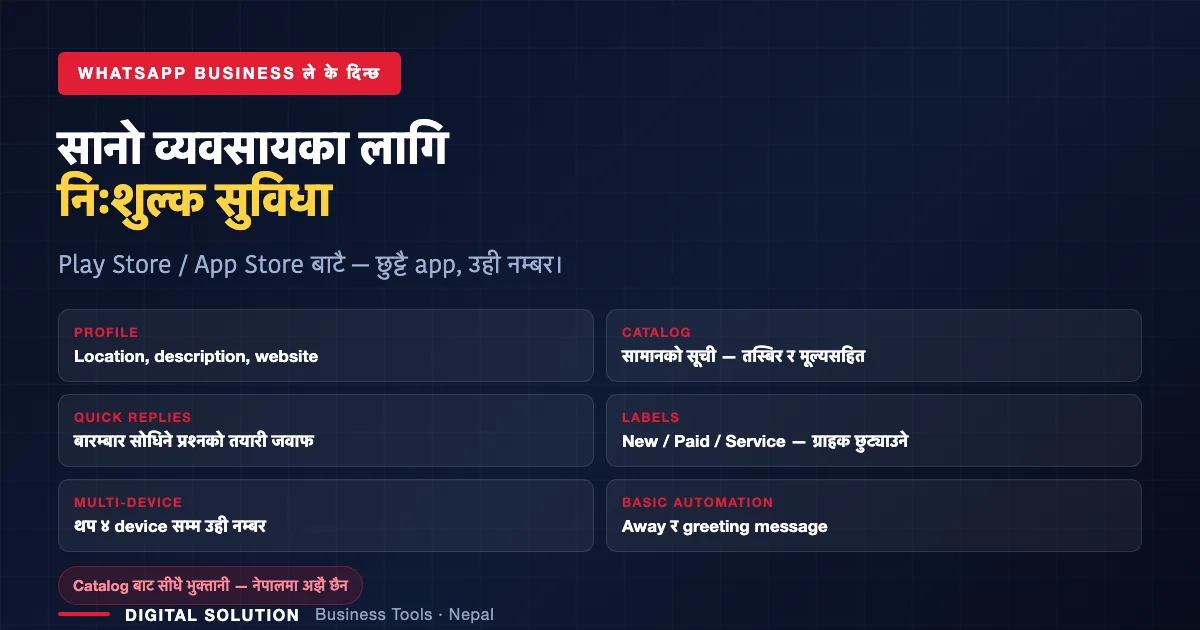
A separate free app on both stores. What you get:
- Business profile — location, description, website link, so customers can find and trust you
- Product catalog — your items with photos and prices, sent as a link instead of ten separate photos
- Quick replies — saved answers for the questions you get daily (price, location, delivery, opening hours)
- Customer labels — tag people as New, Paid, or by the specific service they came for, and actually manage a pipeline instead of scrolling
- Multi-device — the same number on up to four additional devices; phone, laptop, and a staff member’s phone at once. Subscription plans raise that limit further.
- Basic automation — greeting and away messages
One honest limitation for Nepal: in some countries you can take payment directly from the catalog. That feature is not available in Nepal. You can build the catalog and send it — but the payment still happens separately, so pair it with your merchant QR, which costs your shop nothing.
If you take one action from this article: if you run any business on a personal WhatsApp today, install WhatsApp Business and set up a catalog, three quick replies and your labels. It is free, it takes an evening, and it removes most of the repetitive typing from your week.
3. WhatsApp Cloud API — For Scale and Automation
The API is Meta’s WhatsApp Cloud API, used either directly or through third-party platforms. This is what is running when a booking platform sends your ticket confirmation to WhatsApp, or when a login OTP arrives there instead of by SMS — increasingly common in Nepal now.
What it makes possible:
- AI-driven conversations — a bot that chats, takes the order, confirms it, and sends a payment link without a human in the loop
- Integration with CRM, your website and Facebook Ads
- Bulk messaging to a contact list at once
- Automated notifications — confirmations, reminders, OTPs
It requires business verification, and it is genuinely aimed at larger operations. We use WhatsApp Business ourselves at our current scale — the API is the step you take when message volume, not ambition, forces it.
Do not buy the API because it sounds professional. Buy it when answering messages by hand has become the bottleneck in your business.
Which One Should You Choose?
| You are… | Use |
|---|---|
| An individual, no business use | WhatsApp Messenger |
| A shop, salon, hotel, tuition centre, service business | WhatsApp Business |
| A freelancer handling client conversations | WhatsApp Business — labels alone are worth it |
| Sending hundreds of automated confirmations or OTPs daily | Cloud API |
| Wanting an AI bot to take orders end to end | Cloud API |
Watch: The Three Compared, in Nepali
From the Digital Solution YouTube channel — subscribe for more business tech guides in Nepali.
One safety note that applies to all three: your WhatsApp number is increasingly where OTPs and confirmations arrive, which makes it a target. Never share verification codes, and treat “you have won / claim your commission” messages as fraud — the tactics are documented in our guide to online scams in Nepal.
Want AI handling your WhatsApp enquiries?
Our AI Mastery Course covers practical automation for Nepali businesses — 10 days live in Nepali, from Rs 3,000. Or ask us about setting it up for you.
Frequently Asked Questions
What is the difference between WhatsApp and WhatsApp Business?
WhatsApp Messenger is for personal use on one device with no business features. WhatsApp Business is a separate free app with a business profile, product catalog, quick replies, customer labels, basic automation and multi-device support.
Is WhatsApp Business free in Nepal?
Yes — it is a free download on both Play Store and App Store, and the core business features cost nothing. Subscription plans exist mainly to raise device limits.
Can I take payments through the WhatsApp catalog in Nepal?
Not currently. Catalog-based payment is available in some countries but not Nepal. You can build and share the catalog, then take payment separately — a merchant QR works well for this.
How many devices can use one WhatsApp Business number?
Up to four additional devices normally — phone, laptop and staff devices together. Subscription plans allow more.
Do I need the WhatsApp API for my small business?
Usually not. The Cloud API needs business verification and is built for scale — automated confirmations, OTPs, bulk messaging, CRM integration and AI order handling. Most Nepali small businesses are better served by WhatsApp Business.
Why do OTPs now arrive on WhatsApp?
Many platforms use Meta’s WhatsApp Cloud API to send confirmations and one-time codes. Treat those messages like any OTP — never forward or share them.
Related Reading

Rabin Paudel
Rabin Paudel is the Founder of Digital Solution, a Content Creator, and an AI Trainer. He shares practical and easy-to-understand content on Artificial Intelligence, Digital Literacy, Online Services, FinTech, and Technology. His mission is to make technology simple, accessible, and useful for everyone.
View all posts by Rabin Paudel →