
Last updated: July 2026 (Shrawan 2083). The bank list and flows are expanding fast — confirm on your bank’s official website and the Nagarik App before applying.
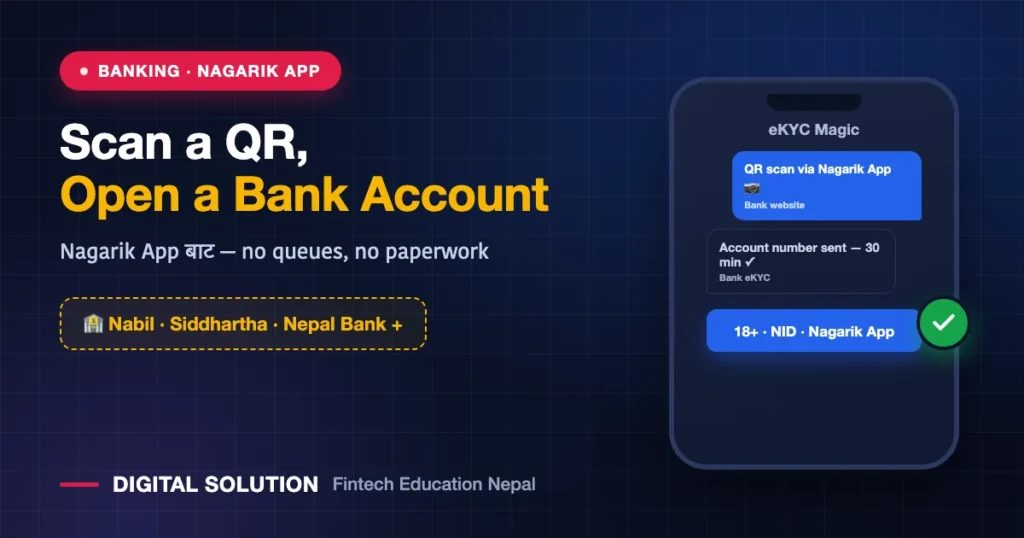
Opening a bank account in Nepal no longer requires a branch queue: you can now open a bank account by scanning a QR code with the Nagarik App. Nabil, Siddhartha, Nepal Bank, NMB and Citizens have launched the service — with Global IME and Standard Chartered joining, and more banks rolling it out gradually. Your identity is already verified inside the Nagarik App via your National ID; the bank pulls that eKYC data (with your consent) and opens your account within minutes. Here’s the full process, eligibility, and what to watch out for.
What Is This Service?
The government’s Nagarik App holds your National ID-verified identity. Participating banks display an account-opening QR code on their websites — when you scan it with the Nagarik App’s scanner, the app asks for your consent and then securely shares your required KYC details with the bank. No form-filling, no citizenship photocopies, no queues.
- ⏱️ Your account number typically arrives by email within half an hour
- ✅ An account opened this way is just as valid as one opened at a branch — with instant transactions
- 🏦 Launched by Nepal Bank, Siddhartha and Nabil first — with NMB, Citizens, Global IME, Standard Chartered and others being added, and more banks joining gradually
Eligibility: Who Can Open an Account This Way?
| Requirement | Detail |
|---|---|
| Age | Nepali citizen, 18 years or older |
| National ID | You must have your NID/NIN — check your status here |
| Nagarik App | Registered and verified — setup guide |
| Email + mobile | Your own working email and number (the account number arrives by email) |
Step-by-Step: Opening an Account via QR Scan
- Get the Nagarik App ready — make sure you can log in and your profile is verified. Verification failing? Use this fix guide.
- Open the bank’s official website — the account-opening section shows an “Open account via Nagarik App” QR code. (Example: Siddhartha Bank runs a dedicated Nagarik-account portal.) Scan the QR from the bank’s official site only — never from QR images circulating on social media.
- Scan with the Nagarik App’s QR scanner — use the scanner inside the app itself.
- Choose your account type — savings and other options the bank offers.
- Give consent — the app asks whether to share your details with the bank; review them and approve. This is the eKYC step.
- Fill any remaining details — branch preference, nominee, and similar fields if the bank’s form asks.
- Wait for confirmation — the account number usually arrives by email within ~30 minutes. Then set up mobile banking and activate the account as instructed.
Why This Is a Big Deal
This is proof that Nepal’s digital-identity ecosystem is starting to work as designed: one verified identity (your National ID) across banks, wallets, SIM cards and government services. NRB making NID mandatory for wallets is part of the same direction. In today’s Nepal, your NIN is becoming your financial passport — if you haven’t enrolled yet, start today.
Things to Watch Out For
- Verify the QR: check the browser address bar — you should be on the bank’s official domain. Scammers can create fake “account opening QRs”; never scan one from anywhere except the bank’s own site.
- Your details must match: if the name/DOB on your Nagarik App/NID doesn’t match your other documents, the process stalls — fix mismatches first.
- One bank, one application: don’t apply to several banks at once and create confusion; pick the bank you actually want.
- Never share OTPs or passwords — not even with callers claiming to be “bank support” or “Nagarik App support.” If you do get defrauded, act fast with our fraud recovery guide.
FAQ
Which banks support account opening through the Nagarik App?
Nepal Bank, Siddhartha and Nabil launched first — NMB, Citizens, Global IME, Standard Chartered and others are being added, with more banks joining gradually. Check whether your bank’s website shows the Nagarik App QR.
Can I open an account without a National ID?
No — the service runs on NID-based eKYC, so you need your NIN. The number is enough; you don’t need to wait for the physical card. If you haven’t enrolled at all, do that first.
How long does it take?
The process itself takes minutes; the account number usually arrives by email within half an hour.
Is an account opened this way fully valid?
Yes — as valid as a branch-opened account, with instant transactions. For physical services like a debit card, you may need to contact a branch as your bank directs.
Does it cost anything?
The app-based opening process itself is free; minimum balance and account terms vary by bank — read the terms shown when you apply.
🤝 Nagarik App won’t verify? NID stuck?
Digital Solution helps with Nagarik App, NID and eKYC problems — ask us directly.
Disclaimer: Digital Solution Nepal is an independent educational/digital-service assistance website, not a government body or bank. Bank lists, flows and terms change quickly — each bank’s official website and the Nagarik App are final.

Rabin Paudel
Rabin Paudel is the Founder of Digital Solution, a Content Creator, and an AI Trainer. He shares practical and easy-to-understand content on Artificial Intelligence, Digital Literacy, Online Services, FinTech, and Technology. His mission is to make technology simple, accessible, and useful for everyone.
View all posts by Rabin Paudel →