
Updated August 2026. Amounts and screens below are from a real Shram Swikriti payment we completed on camera (full walkthrough video included). Insurance premiums vary by age group, and government fees change — confirm current amounts in FEMIS and connectIPS before paying.
Before your Shram Swikriti (labour permit) can be approved, three separate payments must land: the Welfare Fund, your insurance premium, and your SSF contribution. They sit in three different menus, one of them needs nominee details you probably do not have open, and there is a submission-number rule that silently blocks payments for people who do not know it.
Here is the whole sequence, in the order it actually works — with the exact amounts we paid.
What You Are Paying, and How Much
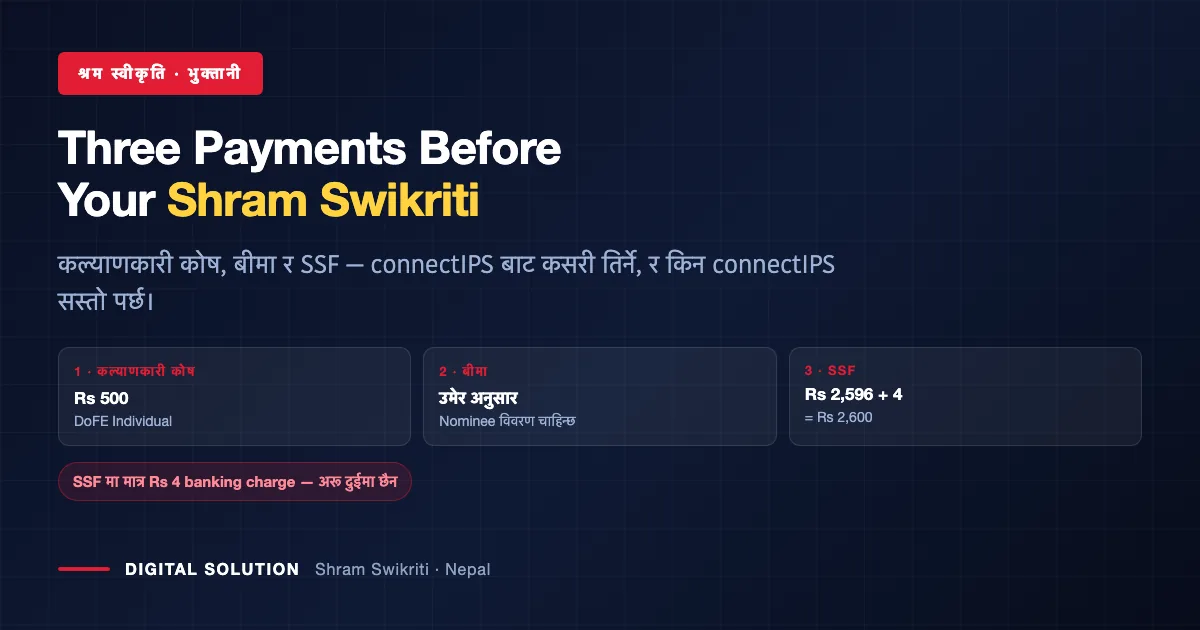
| Payment | Amount | Where in connectIPS |
|---|---|---|
| Welfare Fund कल्याणकारी कोष | Rs 500 | Government of Nepal → DoFE Payment → Welfare → DoFE Individual |
| Insurance बिमा | Varies by age group and coverage period | Government of Nepal → DoFE Insurance |
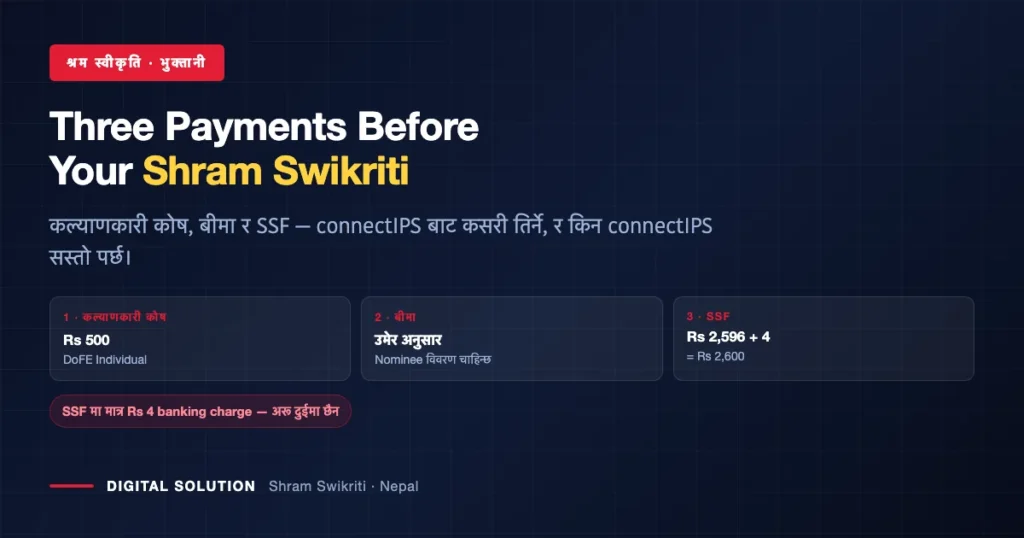
| SSF contribution सामाजिक सुरक्षा कोष | Rs 2,596 + Rs 4 banking charge = Rs 2,600 | Semi-Government → SSF |
Why connectIPS rather than a wallet: the charges are lower. Paying the same SSF contribution through Khalti costs Rs 5 plus VAT — Rs 5.65, and some other channels run around Rs 9. Through connectIPS the only extra is the Rs 4 banking charge on the SSF payment; the welfare fund and insurance carry no extra charge at all, and money moves straight from your bank account.
Before You Start: Have These Open
- Passport number — used for the welfare fund and insurance
- SSF ID and the submission number from your current FEMIS application
- Nominee details — full name, relationship, phone number and address down to municipality, district and ward number
- connectIPS login and transaction password
The nominee section is where most people get stuck mid-payment: it appears in the insurance step and asks for a complete address, not just a name.
Step by Step
1. Welfare Fund — Rs 500
In connectIPS go to Government of Nepal → DoFE Payment → Welfare. Choose DoFE Individual — not G2G, which is a different route. Enter the passport number, confirm, enter your transaction password and pay.
2. Insurance — amount by age group
Go to DoFE Insurance and enter the passport number. The system then asks for contact and nominee details — full name, relationship, phone, and address (municipality, district, ward). Continue, and it displays the premium for the coverage period, for example two years six months, along with the employer’s details. Pay, then download the receipt.
3. SSF — Rs 2,596 + Rs 4
Go to Semi-Government → SSF. Paste your SSF ID and the submission number, enter your transaction password, pay, and download the receipt.
4. Refresh FEMIS and finish the application
Back in the DoFE FEMIS system the welfare and insurance fields will still show No until you refresh — then they flip to Yes. Open Edit Application, upload your documents, click Next, and you should see the welfare fund, insurance and SSF amounts all recorded. Next again, and your token is issued.
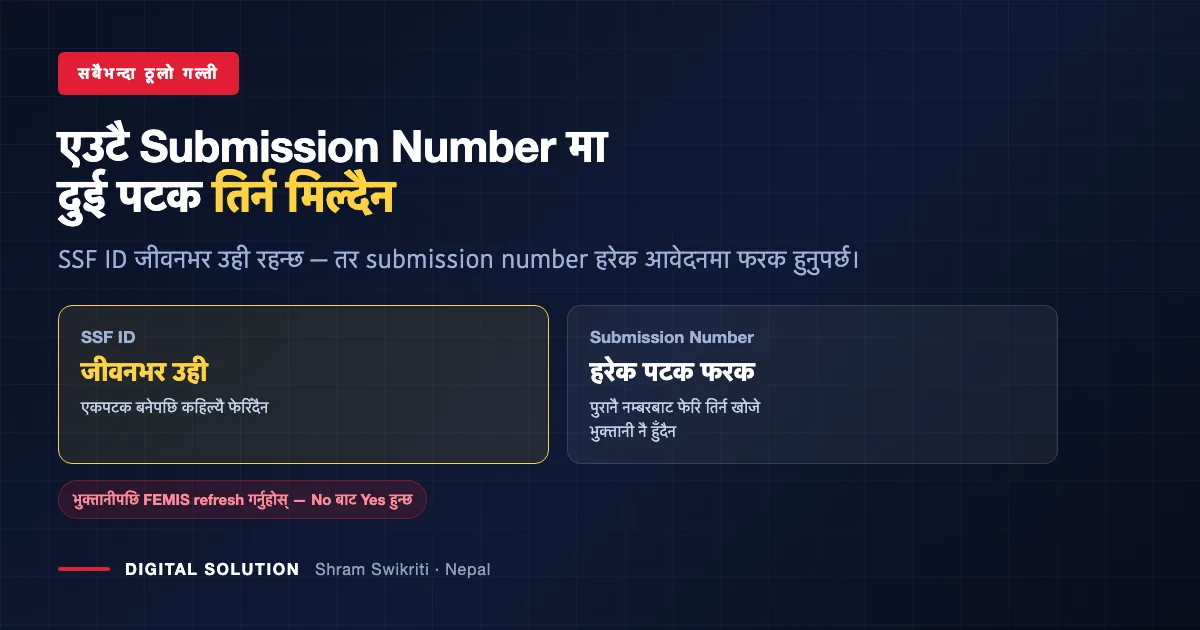
The submission-number rule nobody explains. Your SSF ID stays the same for life — one person, one ID, forever. Your submission number changes with every application. If you try to make multiple payments against the same submission number, the payment simply will not go through. When paying for a repeat application, make sure you are using the current submission number, not the one from last time.
Already paid SSF once? FEMIS may show SSF as Yes even before this application’s payment, because the contribution was made under an earlier submission number. That does not mean the money is not yours — SSF contributions are your own savings and stay in your account. Our guide to SSF for foreign employment covers how contributions work while you are abroad, and what the contribution amount covers.
Watch: The Full Payment, Screen by Screen
From the Digital Solution YouTube channel — subscribe for more step-by-step guides in Nepali.
Keep Every Receipt
Three payments, three receipts. Download each one as you go — reconstructing a missing government payment later takes far longer than the payment itself.
These receipts are also the proof if a payment shows as unpaid in FEMIS after a system delay. Save them with your passport scan and the application token, not in your phone gallery where they get lost.
Want us to handle the whole Shram Swikriti file?
Digital Solution prepares and submits Shram Swikriti applications — documents arranged, payments made correctly, submitted on your behalf. Pokhara-based, working across Nepal.
Frequently Asked Questions
How much do I pay before Shram Swikriti?
Three payments: Welfare Fund Rs 500, insurance based on your age group and coverage period, and the SSF contribution of Rs 2,596 plus a Rs 4 banking charge (Rs 2,600 total through connectIPS).
Why is connectIPS cheaper than Khalti for this?
Through connectIPS the only extra charge is Rs 4 on the SSF payment. The same payment via Khalti costs Rs 5 plus VAT — Rs 5.65 — and some other channels charge around Rs 9. The welfare fund and insurance carry no extra charge on connectIPS.
My SSF payment is not going through. Why?
The most common cause is reusing an old submission number. Your SSF ID never changes, but the submission number is specific to each application — multiple payments against the same submission number will not process. Use the current application’s submission number.
Where exactly in connectIPS are these payments?
Welfare Fund: Government of Nepal → DoFE Payment → Welfare → DoFE Individual. Insurance: Government of Nepal → DoFE Insurance. SSF: Semi-Government → SSF.
What nominee details does the insurance step need?
Full name, relationship to you, phone number, and address including municipality, district and ward number — so have them ready before you start, or the payment stalls halfway.
FEMIS still shows “No” after I paid. What now?
Refresh the page — the welfare and insurance fields update to “Yes” after a refresh. If they still do not, you have your downloaded receipts as proof of payment.
Can I pay from my mobile?
Yes — connectIPS works on mobile, and the same menu path applies.
Related Reading

Rabin Paudel
Rabin Paudel is the Founder of Digital Solution, a Content Creator, and an AI Trainer. He shares practical and easy-to-understand content on Artificial Intelligence, Digital Literacy, Online Services, FinTech, and Technology. His mission is to make technology simple, accessible, and useful for everyone.
View all posts by Rabin Paudel →