
Last updated: July 2026 (Shrawan 2083). Identity requirements are expanding steadily — verify the current requirement inside eDLVRS when you apply.
More and more applicants hit the same moment in the eDLVRS form: a field asking for the NIN — National Identity Number. Cue the panic-Googling: is NID required for a driving license? What if enrollment isn’t done? Does the printed card matter? This is the bridge guide: exactly where NID touches the license process, what to do about mismatches, and the fastest path if you don’t have a NIN yet.
📥 FREE Download: Driving License Complete Checklist (PDF)
Apply गर्नुअघि चाहिने सबै — documents, age, exam format, fees, SMS codes — २ पानाको checklist। Print गरेर टिक लगाउँदै जानुहोस्।
(This post covers the license-side of NID. For NID itself — enrollment, status, eNID download — our dedicated National ID guides linked below go deep.)
Why eDLVRS Asks for Your NIN
Nepal is consolidating identity around the National ID: banks and wallets (NRB’s wallet NID rule), SIM registration, government services — and transport services are on the same trajectory. For the license system, NIN gives a verifiable, biometric-backed anchor that reduces duplicate and fake identities. Practically: the form asks, and having your NIN ready removes friction at every later verification.
Where NID Appears in the License Journey
| Stage | NID Touchpoint |
|---|---|
| Online form (personal details) | NIN field alongside citizenship details — see the field-by-field form guide |
| Record verification | Your typed details are matched against official records — mismatches surface here |
| Office visit | Identity cross-check with citizenship/NID data |
| Future services | Renewals, duplicates and transfers increasingly ride the same identity spine |
The Three Situations (Find Yours)
1. You have your NIN — card or no card
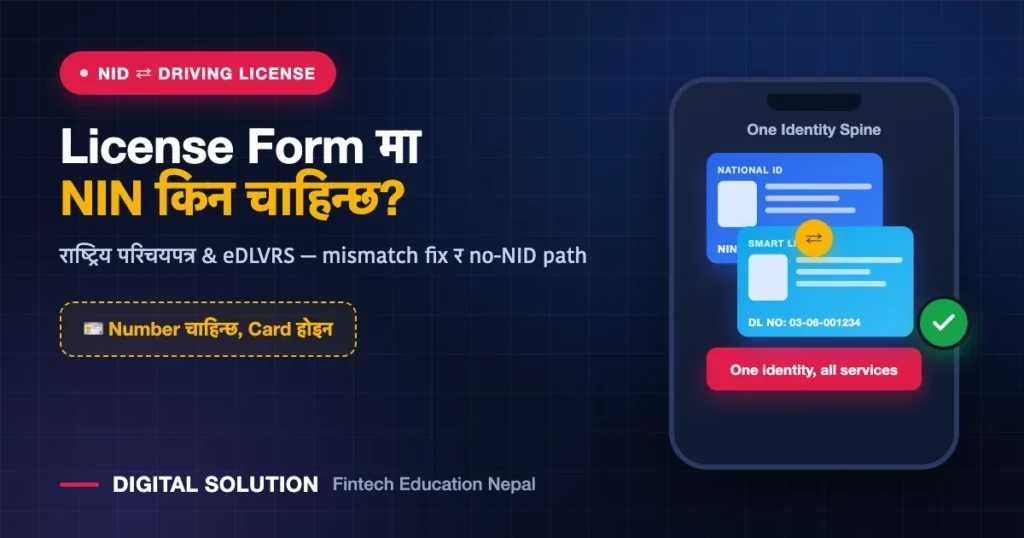
You’re set. The form needs the number, not the plastic. Enrollment done but card not received? The NIN from your enrollment works — understand the distinction in NIN vs eNID vs physical card, and pull your digital copy via the eNID download guide.
2. You enrolled but don’t know your number/status
Check your enrollment status first — the NID status check guide shows every method. Retrieve the NIN, note it in your phone, then start the license form.
3. You haven’t enrolled at all
Start now — enrollment is the slow step (biometrics at DoNIDCR/DAO centers), and it unlocks far more than the license. The full path is in the Nepal Digital Identity Guide. Meanwhile: where the form treats NIN as optional, you can proceed on citizenship details per the portal’s current rules — but treat that as temporary, not a strategy. The direction of every government service is NID-first.
The Mismatch Problem (Read Before You Type)
The #1 NID-related license failure isn’t a missing number — it’s details that don’t match across documents: name spelled differently on citizenship vs NID, BS dates that don’t align, father’s name variants. The eDLVRS record check compares; mismatches mean counter queries, delays, or rejection.
- Before applying, put citizenship + NID side by side and compare name (both scripts), DOB, and parent names.
- Any difference → fix the source records first: our name/DOB correction guide covers the where and how.
- Then apply with the corrected, consistent details — a clean identity spine makes every future service (renewal, duplicate, bank, SIM) frictionless.
Citizen Portal & Nagarik App: The Same Spine
Nepal’s citizen-facing systems — the citizen portal, Nagarik App, service portals — all converge on the same identity records. If Nagarik App verification ever failed for you, the causes (record mismatches) are the same family as eDLVRS hiccups — the Nagarik App fix guide applies, and our online government services guide maps the whole ecosystem.
Which of your details actually import
Depending on the method, imported details typically include your full name, date of birth, gender, address and identification number. On the verification screen you’ll still confirm fields such as name, National ID number, date of birth, gender and your own-name mobile number.
The exact set of imported fields may vary by province and rollout phase. Check what your official provincial portal displays.
What you must never share with an agent
Never share your Nagarik App login, MPIN, OTP, wallet PIN or any password with an agent, cyber café operator, or anyone claiming to be from Digital Solution. No genuine service or agent needs these to help you. Sharing them can let someone impersonate you or drain a linked wallet.
FAQ
Is NID compulsory for a driving license right now?
The form asks for NIN and government services are steadily hardening the requirement. Where optional today, expect mandatory tomorrow — enroll now rather than racing a future deadline.
Do I need the physical NID card at the transport office?
Carry citizenship (mandatory) plus NID card/eNID if you have it. The number in the form is what the system checks; the physical card is a convenience, not the requirement.
Can I apply for a license with just the NID enrollment slip?
If your NIN is issued, use it. If enrollment is pending without a number, proceed per the portal’s current rules on citizenship details — and complete enrollment in parallel.
My NID has an error. Should I still use its number in eDLVRS?
Fix the NID record first — feeding a known-wrong detail into a new system multiplies the cleanup later. Correction path: document correction guide.
NID + License दुवै मिलाउनुपर्ने? आफ्नो situation लेखेर पठाउनुहोस् — कुन पहिला, कुन पछि, Digital Solution ले sequence बताइदिन्छ। Site को WhatsApp (+977 9766597181) बाट सोध्नुहोस्।
Disclaimer: Digital Solution Nepal is an independent educational/digital-service assistance website, not a government body. Identity requirements evolve — verify current rules on official portals (your provincial eDLVRS portal / donidcr.gov.np) before acting.

Rabin Paudel
Rabin Paudel is the Founder of Digital Solution, a Content Creator, and an AI Trainer. He shares practical and easy-to-understand content on Artificial Intelligence, Digital Literacy, Online Services, FinTech, and Technology. His mission is to make technology simple, accessible, and useful for everyone.
View all posts by Rabin Paudel →