
Last updated: July 2026 (Shrawan 2083). Blocking procedures follow operator practice — when in doubt, reach NTC/Ncell support or any service center with your ID.
Phone हरायो — and the first ten minutes decide how bad this gets. The thief’s fastest payday isn’t your phone; it’s your SIM receiving banking OTPs in their pocket. This is the emergency playbook: block your SIM first, then lock down money, then the phone itself — in the exact order that limits damage, for both NTC and Ncell users.
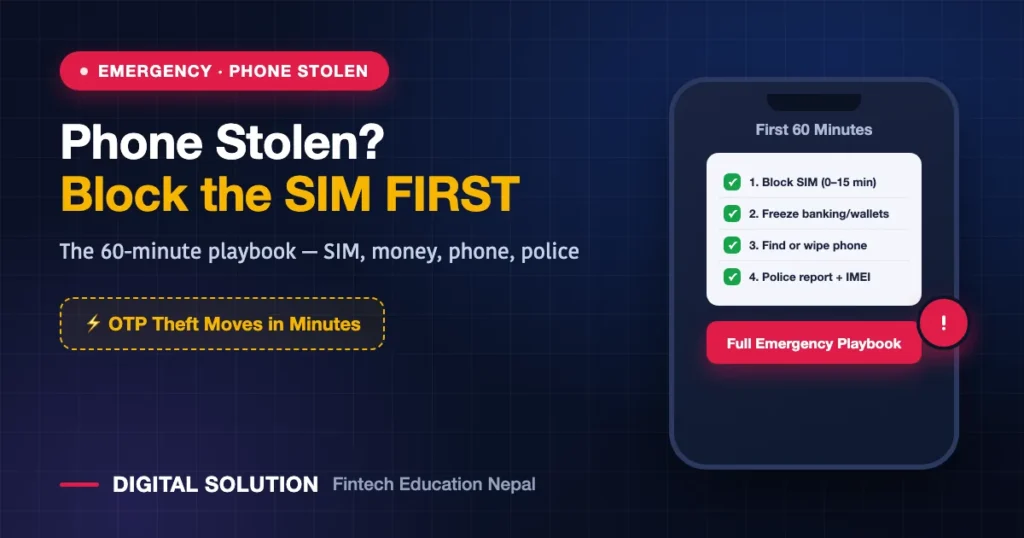
⚡ The First 60 Minutes (In This Order)
Step 1: Block the SIM (minutes 0–15)
- From any other phone, contact your operator: NTC support/nearest NTC office, or Ncell’s support line/Ncell Centre. Both operators block a SIM on identity verification.
- Fastest in-person route: walk into the nearest operator center with your citizenship/ID — where the SIM’s ownership matches your ID, blocking is quick. (Registered under a relative? They need to act — this is why ownership matters.)
- The block kills OTP delivery to the thief — everything else can wait fifteen minutes; this can’t.
Step 2: Freeze money channels (minutes 15–30)
- Mobile banking: call your bank’s hotline → temporarily block mobile/internet banking.
- Wallets: from any device, change eSewa/Khalti passwords; contact support to freeze if you see activity. (Already lost money? Fraud recovery guide — move fast.)
- Email password — email resets everything else; secure it from any browser.
Step 3: Hunt or wipe the phone (minutes 30–60)
- Android: google.com/android/find — locate, lock with a message, or erase.
- iPhone: icloud.com/find — same powers, plus Activation Lock keeps the phone useless to resellers.
- If recovery looks unlikely, remote-erase — photos of your citizenship/license/cards in the gallery are an identity-theft kit.
Step 4: Paper trail (same day)
- Police report at the local station (or cyber bureau channels for fraud) — required for insurance, useful for any later dispute, and needed if the phone’s IMEI should be flagged.
- Note your phone’s IMEI from its box/purchase bill — police and systems track by IMEI. (What IMEI means in Nepal’s MDMS system: this week’s registration guide.)
Getting Your Number Back
The number survives — you replace the card:
| Operator | Replacement Route |
|---|---|
| NTC | Online application at esim.ntc.net.np (“Apply for Lost/Damaged SIM”) → collect at counter, Rs 50 — step-by-step guide |
| Ncell | Ncell Centre with your ID → identity verification → replacement SIM/eSIM |
Same number returns, balance intact — and every OTP flows to you again. Consider coming back as eSIM (NTC / Ncell): the next thief can’t eject what isn’t physical.
The Prevention Kit (Do These Today, 20 Minutes)
- SIM PIN: Settings → SIM security → set a PIN. A PIN-locked physical SIM is useless in another phone — this single setting defeats the OTP-theft play.
- Convert to eSIM — un-ejectable by design.
- Note your IMEI now: dial
*#06#, screenshot, save to cloud — you’ll need it exactly when you can’t check the phone. - Enable Find My Device / Find My and test it once.
- Strong screen lock (6-digit+/biometric) with a short auto-lock timer.
- Get gallery IDs out: move citizenship/passport/card photos into a locked/secure folder — not the open camera roll.
FAQWhat should I do first when my phone is stolen — police or SIM block?
SIM block. OTP theft happens in minutes; paperwork can happen in hours. Block SIM → freeze banking → find/wipe phone → police report, in that order.
Can a thief use my banking apps?
Apps behind PINs/biometrics resist entry — the real risk is your SIM in another phone receiving reset OTPs. That’s why blocking the SIM outranks everything, and why a SIM PIN/eSIM is such strong prevention.
Will my number be lost forever?
No — blocking protects it, and replacement (NTC Rs 50 online flow / Ncell Centre) restores the same number, usually same-day once you collect.
Can the phone itself be blocked so it’s worthless to sell?
Report the IMEI with your police report — flagged IMEIs can be blocked from Nepali networks under the MDMS system, and iPhone Activation Lock/Android protection makes resale hard regardless.
🤝 Phone/SIM emergency right now?
Message us what happened — Digital Solution will walk you through the exact next steps.
Disclaimer: Digital Solution Nepal is an independent educational website. Blocking and replacement procedures follow NTC/Ncell and police practice — official channels are final.

Rabin Paudel
Rabin Paudel is the Founder of Digital Solution, a Content Creator, and an AI Trainer. He shares practical and easy-to-understand content on Artificial Intelligence, Digital Literacy, Online Services, FinTech, and Technology. His mission is to make technology simple, accessible, and useful for everyone.
View all posts by Rabin Paudel →