
Last updated: July 2026 (Shrawan 2083). KYC steps follow the current SSF system — screens change; verify on ssf.gov.np.
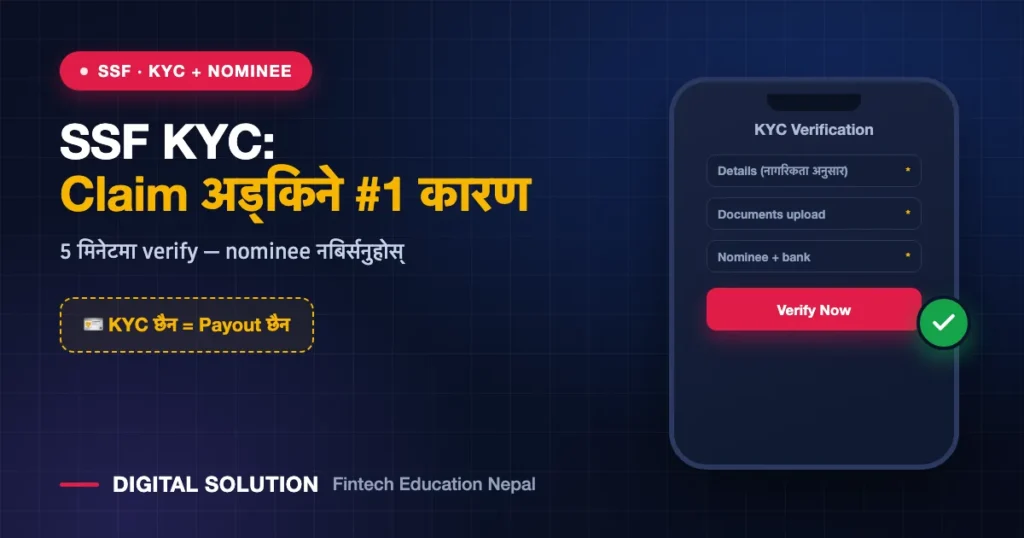
Here’s a painful pattern we see constantly: contributor pays for years, emergency happens, claim filed — rejected, because KYC was never completed. SSF KYC verification is the unglamorous step that decides whether your benefits actually pay out when it matters. This guide covers why KYC is required, exactly how to complete it, the nominee section everyone skips, and fixing mismatched details.
Why SSF Requires KYC
- Payouts need identity certainty — claims, refunds and pensions go to bank accounts; SSF must know the account belongs to the verified you.
- Nominee clarity — dependent-family benefits pay your registered nominees; no nominee record = disputes and delays at the worst possible time.
- One person, one record — KYC prevents duplicate/ghost accounts, aligning with Nepal’s National ID direction (same spine as banks and wallets).
What You Need Before Starting
- Your SSN (find it here)
- Citizenship certificate (clear photo/scan, both sides)
- Passport-size photo
- Bank account details in your name
- Nominee details — name, relationship, their citizenship/birth certificate
- NIN where asked (NIN vs eNID refresher)
Completing KYC: The Flow
- Log in to the SSF contributor portal/app with your SSN (login guide).
- Open the KYC / profile verification section.
- Fill personal details exactly as per citizenship — spelling and dates must match; this is where future mismatch rejections are born.
- Upload documents — sharp, complete, within size limits.
- Add your nominee(s) with relationship documents. Married? Update after life events — an outdated nominee is a real legal mess for your family.
- Submit and track until status shows verified — submission ≠ verification.
Fixing Mismatched Details
Name spelled three ways across citizenship, SSF and bank? Fix the source document first (our correction guide), then update SSF to match. The rule: SSF profile must mirror citizenship exactly, and your bank account name must match the SSF profile. Every claim in the future flows through this triangle.
KYC Health-Check (Do This Today, 5 Minutes)
- ✅ Status shows verified, not pending
- ✅ Name/DOB match citizenship exactly (both scripts where applicable)
- ✅ Nominee registered with documents — and still the right person
- ✅ Bank account current and in your name
- ✅ Mobile number is yours and active (OTP + notices)
FAQ
Is SSF KYC mandatory?
Effectively yes — claims and settlements stall or fail without verified KYC. Complete it before you ever need a benefit.
Can I complete SSF KYC from my phone?
Yes — via the SSF portal/mobile app (app guide). Documents photograph fine if sharp and flat.
What happens if my nominee is not updated?
Dependent-family payouts get delayed or disputed. Update nominees after marriage, divorce, births, or deaths — it takes minutes now versus months of pain later.
My KYC has been pending for weeks. What now?
Re-check for a returned/queried status you missed; then contact SSF support or visit an office with your SSN and documents.
🤝 KYC आफैं गर्न झन्झट? हामीलाई दिनुहोस्
SSF KYC completion हाम्रो नियमित सेवा हो — छिटो, सही, complete।
Disclaimer: Digital Solution Nepal is an independent educational/digital-service assistance website, not a government body. KYC flows change with system updates — ssf.gov.np is final.

Rabin Paudel
Rabin Paudel is the Founder of Digital Solution, a Content Creator, and an AI Trainer. He shares practical and easy-to-understand content on Artificial Intelligence, Digital Literacy, Online Services, FinTech, and Technology. His mission is to make technology simple, accessible, and useful for everyone.
View all posts by Rabin Paudel →