
Last updated: July 2026 (Shrawan 2083). Quota behavior is operational and changes without notice — treat this as practical guidance, not official policy.
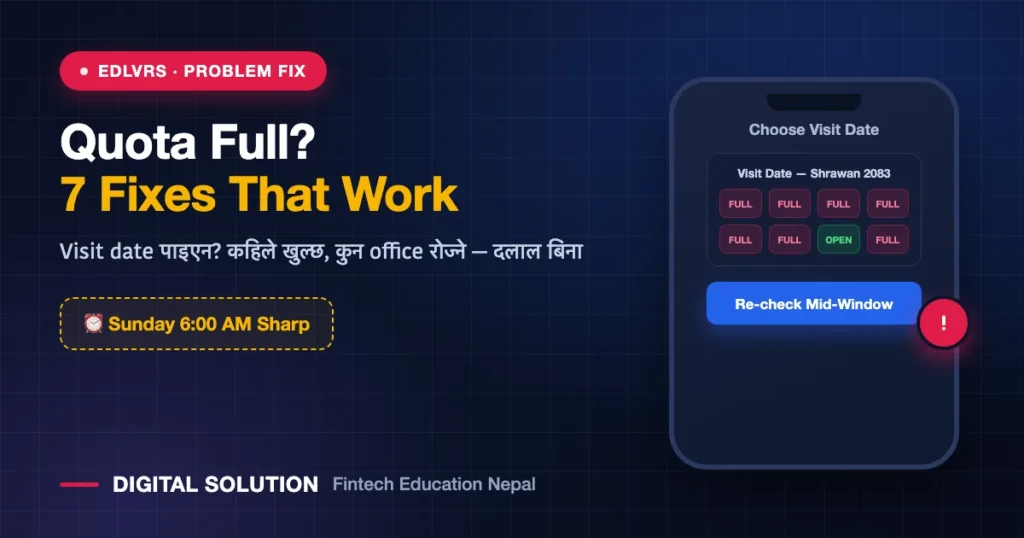
You woke up early, filled the eDLVRS form, reached the visit-date screen — and every single date shows full. “eDLVRS quota full” is the single most frustrating moment in Nepal’s online driving license process, especially in Bagmati. The good news: quota is released in cycles, and there are practical ways to catch a date without paying anyone. Here’s how the system behaves and the 7 things that actually work.
📥 FREE Download: Driving License Complete Checklist (PDF)
Apply गर्नुअघि चाहिने सबै — documents, age, exam format, fees, SMS codes — २ पानाको checklist। Print गरेर टिक लगाउँदै जानुहोस्।
How the eDLVRS Quota System Works
Each transport office gets a limited number of daily applicant slots (कोटा) for biometrics/exams — that’s the “visit date” calendar you see. When you pick an office, the calendar only offers dates that still have space. Because the form window itself is limited (generally Sunday–Wednesday, 6:00 AM–10:00 PM), thousands of applicants hit the same calendar at the same time — Valley offices can finish within minutes of slots appearing.
Key behaviors applicants consistently report:
- Fresh quota tends to appear at the start of the weekly window (Sunday morning) — 6:00 AM sharp matters.
- Cancelled/incomplete applications can return slots at random times — a “full” calendar today isn’t full forever.
- Different offices = different calendars. One office full ≠ province full.
The 7 Fixes (In Order of Success Rate)
1. Hit the calendar at Sunday 6:00 AM sharp
Log in at 5:50, keep your form details ready (use this afternoon’s checklist), and go straight to date selection. Seconds matter in Kathmandu Valley.
2. Try a different office in your province
If Ekantakuna is full, check Chabahil, Thulo Bharyang, Jagati — and if you can travel, Hetauda or Bharatpur calendars are often lighter. Office list and tips: eDLVRS Bagmati guide.
3. Re-check mid-window for returned slots
Quick checks Monday–Wednesday (morning and around office closing) catch slots freed by cancelled applications. Two 1-minute checks a day beat refreshing for hours.
4. Don’t abandon a half-filled form repeatedly
Repeated half-submissions with mismatched details can lock you into error states (and worst case, duplicate-account problems). One careful attempt per window is healthier than five panicked ones.
5. Consider a less-demanded category timing
Two-wheeler (A/K) quota disappears fastest. If you planned both A and B eventually, watch which calendar has space — sometimes starting with the other category gets you into the system sooner. (Category add later has its own process — guide coming Monday evening.)
6. Watch official notices for quota expansion
Offices periodically announce extra quota, extended hours, or special drives on DoTM/provincial notices and news. We post these updates on our social channels the day they drop.
7. If nothing works for weeks — apply where you genuinely can attend
The rule is practical: choose any office you can actually visit on the date. Applicants from crowded districts often complete the process faster in a neighbouring district office they can reach.
What NOT to Do (Seriously)
- Don’t pay “agents” for dates. Nobody can reserve government quota for money. People who claim this either refresh like you would, or worse — take your citizenship copy, OTP and money, and vanish. दलाललाई पैसा नदिनुहोस्।
- Don’t share your OTP or login with anyone “helping” you. Your eDLVRS account = your identity.
- Don’t create multiple accounts with different numbers — it creates record conflicts that surface at the counter later.
- Don’t trust look-alike portals advertised on social media. Only your provincial eDLVRS portal.
Quota Myths vs Reality
| Myth | Reality |
|---|---|
| “Quota opens every midnight” | The form window is Sun–Wed 6 AM–10 PM; fresh cycles cluster at the window start. |
| “Full means try next month” | Returned slots appear mid-window; re-checks work. |
| “Agents have inside access” | They don’t. It’s the same public calendar. |
| “VPN makes it faster” | No. Speed comes from being ready + timing, not location tricks. |
FAQ
When does eDLVRS quota open?
Slots are generally available from the weekly window start — Sunday 6:00 AM — and the form stays open Sun–Wed 6 AM–10 PM except holidays. Freed slots can appear anytime within the window.
Why does the calendar show dates but then say unavailable?
Someone took the last slot between your click and submission. It’s a race — go again immediately; don’t restart the whole form if the portal lets you re-pick the date.
Can I change my office after submitting?
Not freely — office choice is tied to your application. Choose carefully the first time; ask the chosen office’s counter about any transfer provision if you truly can’t attend.
Is there a separate quota for renewal?
Renewal flow is different from new-license quota — see our renewal rules guide (fines & grace period), with the online renewal walkthrough coming Monday morning.
Quota alert चाहिन्छ? नयाँ quota, extended hours वा special drive को खबर आउनासाथ हामी post गर्छौं — Digital Solution लाई Facebook/TikTok/YouTube मा follow गर्नुहोस्।
Disclaimer: Digital Solution Nepal is an independent educational/digital-service assistance website, not a government body. Quota behavior described here is based on applicant experience and can change — verify current rules on official portals (dotm.gov.np / your provincial eDLVRS portal).

Rabin Paudel
Rabin Paudel is the Founder of Digital Solution, a Content Creator, and an AI Trainer. He shares practical and easy-to-understand content on Artificial Intelligence, Digital Literacy, Online Services, FinTech, and Technology. His mission is to make technology simple, accessible, and useful for everyone.
View all posts by Rabin Paudel →