
Last updated: July 2026 (Shrawan 2083). Requirements can change — verify on your provincial eDLVRS portal before applying.
Most driving license applications don’t fail at the exam — they stumble at the very first step, because something was missing when the form opened. The eDLVRS form window (Sunday–Wednesday, 6 AM–10 PM) is short and quota disappears fast, so you need every document and detail ready before you open the portal. This checklist covers driving license documents, age eligibility, and digital file rules so your application goes through in one clean attempt.
📥 FREE Download: Driving License Complete Checklist (PDF)
Apply गर्नुअघि चाहिने सबै — documents, age, exam format, fees, SMS codes — २ पानाको checklist। Print गरेर टिक लगाउँदै जानुहोस्।
This is the preparation guide. For the actual application walkthrough, see the main eDLVRS apply guide, and Bagmati applicants should start with our eDLVRS Bagmati guide published this morning.
Age & Eligibility by License Category
| Category | Vehicle | Minimum Age (commonly applied) |
|---|---|---|
| K (स्कुटर/मोपेड) | Scooter / moped | 16 years |
| A (बाइक) | Motorcycle | 18 years |
| B (कार/जीप/भ्यान) | Car, jeep, delivery van | 18 years |
| Professional/heavy categories | Bus, truck, etc. | Higher age + experience rules |
Age is counted on the application date, per your citizenship record. If your documents show different birth dates in different places, fix that first — our name/DOB mismatch correction guide explains how.
The Document Checklist
1. Citizenship Certificate (नागरिकता)
- Original + a clear scan/photo of both sides.
- The citizenship number you type must match the certificate exactly — district, year and number format included.
2. National Identity Number (NIN)
- The form asks for your NIN where applicable, and government systems are moving toward NID as the standard identity.
- Don’t have it? Read our Nepal Digital Identity Guide and start enrollment now — and learn the difference between NIN, eNID and the physical card (you only need the number, not the printed card, for most forms).
3. Passport-Style Photo
- Recent, front-facing, plain background, face clearly visible.
- Follow the size/format limit shown on the upload screen — oversized or blurry files are the most common upload failure.
4. Medical / Health Check
- A doctor-verified health confirmation is now part of the license flow through the new online portal.
- Full details: how the driving license online health check works.
- Know your blood group — the form asks for it.
5. Contact Details That You Control
- Your own mobile number (OTP goes here — don’t use a shop’s or agent’s number).
- An email address you can open (account verification and notices).
Digital Copy Rules (Read Before Scanning)
- Clear > beautiful: flat, well-lit photo of documents; all text readable; no cropped corners.
- Format & size: the portal shows accepted formats (usually JPG/PNG) and a size cap per file — resize before the form opens, not during.
- File names: simple names like
citizenship-front.jpghelp you avoid uploading the wrong file in a hurry.
Special Cases to Sort Out Before Applying
- Name spelled differently across documents (citizenship vs NID vs old license) → correct first, apply later: correction guide.
- Already hold a license and want another category? That’s a category-add application, not a new license — we cover it in this week’s series.
- Foreign license holder? Conversion has its own document path — ask at the TMO counter for the current requirement.
60-Second Self-Check Before Sunday 6 AM
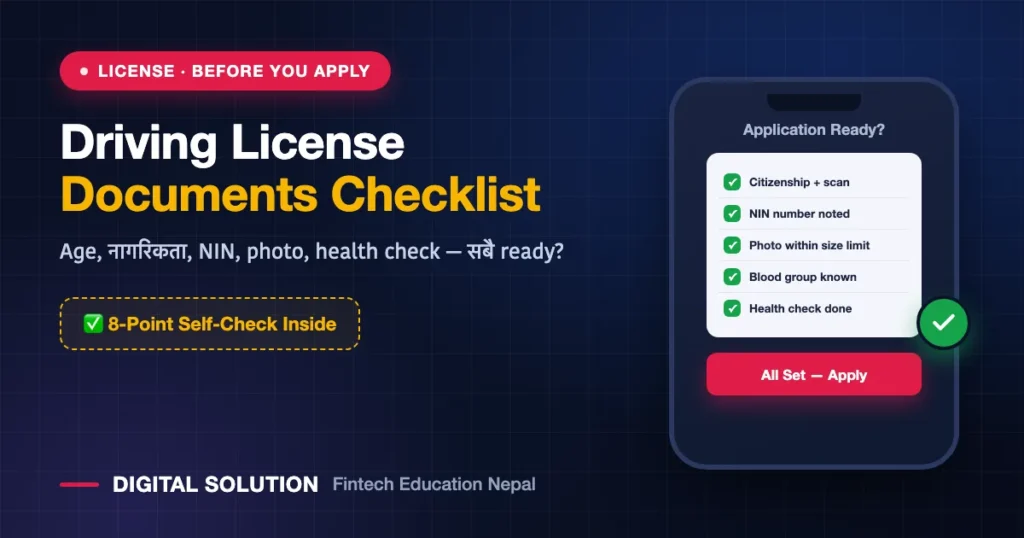
- ✅ Citizenship original + scan (both sides)
- ✅ NIN number noted
- ✅ Photo file within size limit
- ✅ Blood group known
- ✅ Health check done / doctor portal step clear
- ✅ Own mobile + email working
- ✅ Age eligible for chosen category
- ✅ Payment wallet loaded (eSewa/Khalti/bank) for revenue
All eight ticked? You’re ready to grab a date the moment quota opens.
FAQ
Do I need the physical National ID card to apply for a driving license?
No — where NID details are requested, the number (NIN) is what matters for the online form. See NIN vs eNID vs card.
Can I use my brother’s mobile number for the application?
Technically the form accepts any number, but OTPs, notices and future logins go there — use your own number, always.
Is a medical report from any doctor accepted?
The health confirmation now flows through the official online doctor portal — follow this guide rather than carrying random paper reports.
What if my age is 17 and a half?
For A/B categories you must have completed 18 on the application date. K (scooter/moped) allows 16. Applying early gets rejected at verification.
Documents ready गर्न सहयोग चाहियो? Scan, resize, NID enrollment guidance — Digital Solution ले यस्तै digital काममा help गर्छ। Site को WhatsApp (+977 9766597181) बाट सम्पर्क गर्नुहोस्।
Disclaimer: Digital Solution Nepal is an independent educational/digital-service assistance website, not a government body. Rules and requirements change — always verify on official portals (dotm.gov.np / your provincial eDLVRS portal / donidcr.gov.np) before acting.

Rabin Paudel
Rabin Paudel is the Founder of Digital Solution, a Content Creator, and an AI Trainer. He shares practical and easy-to-understand content on Artificial Intelligence, Digital Literacy, Online Services, FinTech, and Technology. His mission is to make technology simple, accessible, and useful for everyone.
View all posts by Rabin Paudel →