
As of 13 October 2026 (27 Asoj 2083). Based on the Election Commission’s pre-registration portal and its voter roll search system, both opened on that date. We read the public screens and did not submit a registration or a search.
Voter ID online registration in Nepal starts on the Election Commission’s own portal, the Voter Roll Pre-Registration and Update System. It offers three things: registering a new name on the voter roll, correcting details already on it, and searching the roll for your name.
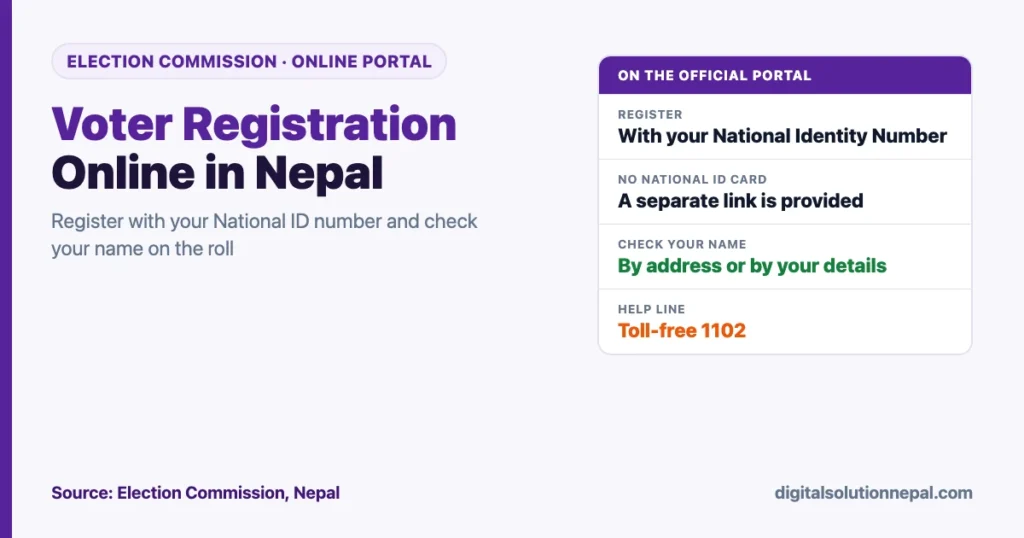
The quickest route uses your National Identity Number. You enter the number, your date of birth and your first name, and the system verifies you against the national identity record. A separate link serves people who do not have a national identity card.
The voter roll is called matdata namawali (मतदाता नामावली). Being on it is what lets you vote.
Quick answers
| Question | Answer |
|---|---|
| Official portal | applyvr.election.gov.np, linked from election.gov.np |
| What it does | New registration, correction of details, and a link to the roll search |
| Fastest route | Registration through your National Identity Number |
| Without a national ID card | A separate registration link on the same page |
| Where to check your name | voterlist.election.gov.np |
| Cost | The portal shows no fee |
| Help | Election Commission toll-free 1102, info@election.gov.np |
What the portal offers
The first page has three options.
| Option on the portal | What it is for |
|---|---|
| New registration | Getting your name entered on the voter roll |
| Roll update | Correcting a mistake in details already registered |
| Search the voter roll | Looking up your own entry |
How to register with your National Identity Number
This is what the registration screen asks for.
- Open the portal from the Election Commission’s website and choose new registration.
- Enter your National Identity Number in the format shown, 000-000-000-0.
- Enter your date of birth in AD, as year, month and day.
- Enter your first name only, in English.
- Answer the simple sum shown as a check.
- Choose verify through NIN.
We stopped at this screen, so we cannot describe what follows. If the system asks you to appear in person, or gives you a number to carry, follow it and ask your District Election Office what to bring.
Keep these beside you before you begin:
- your national identity card, for the number;
- your citizenship certificate, for the exact spelling and date of birth;
- a mobile number you can receive messages on.
If your national identity card is still in process, see our guides to the National ID card and to checking its status.
If you do not have a national identity card
The same screen has a second link: new voter registration for those who do not have a national identity card. It leads to a separate form.
If neither route works for you online, the Election Commission has 70 District Election Offices. Registration has traditionally been done there in person, and they remain the place to ask.
How to check your name on the voter roll
The search system is at voterlist.election.gov.np. When we opened it, it showed the roll published for claims and objections under the Voter Roll Update Procedure, 2081, covering people who had completed 18 years by 15 Bhadra 2083.
There are two ways to search.
By address
- Select your province.
- Select the district, then the municipality or rural municipality.
- Select the ward and the polling centre.
- Choose view voter list.
By your own details
The second panel searches for one person. It asks for a voter number, date of birth in BS and citizenship details, with a security code. The page shows a counter of attempts left, five when we looked, so type carefully.
If you have never had a voter number, use the address search.
What “claims and objections” means
A roll published for claims and objections is a draft for the public to check. If your name is missing, misspelt or placed in the wrong ward, this stage exists so you can ask for it to be fixed. Ask your District Election Office whether the period is still running. If someone who should not be there is listed, an objection can be made.
Use the roll update option on the portal, or go to your District Election Office with your citizenship certificate.
Common problems
| Problem | What to try |
|---|---|
| The National Identity Number is not accepted | Check the format and the date of birth in AD. The first name must be in English and match your record |
| Name not found in the search | Search by address and read the list for your polling centre. Spellings in Nepali vary |
| Moved to another district | Ask the District Election Office how to transfer your entry. The portal’s update option is the starting point |
| “Application already open” message | The portal allows one open tab at a time. Close the other tab |
| Attempts used up in the personal search | Use the address search instead |
Is this the same as a voter ID card?
Not quite. Registration puts your name on the roll. The printed voter identity card is a separate document issued by the Election Commission. The portal’s public screens deal with the roll, not with printing or delivering a card, so ask your District Election Office about the card itself.
For how the different identity documents fit together, see our guide to digital identity in Nepal.
Stay on the official sites
- The portal and the search both sit on addresses ending in election.gov.np.
- The public screens ask for no payment. Do not pay anyone a “registration fee”.
- Do not give your National Identity Number to a page that reached you through a message or an advert.
Where to get help
| Channel | Detail |
|---|---|
| Toll-free | 1102 |
| Phone | (977-1) 5328663 |
| info@election.gov.np | |
| Office | Election Commission, Kantipath, Kathmandu |
| Local | The District Election Office for your district |
Need help with an online government form?
We help with National ID, voter roll and other online forms. अनलाइन फारम भर्न सहयोग चाहिए भने सम्पर्क गर्नुहोस्।
Frequently asked questions
How can I register as a voter online in Nepal?
Open the Election Commission’s pre-registration portal, choose new registration, and verify yourself with your National Identity Number, date of birth in AD and first name. A separate link serves those without a national identity card.
What is the official website for voter registration in Nepal?
applyvr.election.gov.np, which is linked from the Election Commission’s website, election.gov.np.
How do I check my name in the voter list?
Go to voterlist.election.gov.np and search by province, district, municipality, ward and polling centre, or by your own details.
Can I register without a National ID card?
The portal has a separate link for new registration by people who do not have a national identity card.
How do I correct a mistake in my voter details?
Use the roll update option on the portal, or visit your District Election Office with your citizenship certificate.
Is there a fee for voter registration?
The portal’s public screens show no fee.
Conclusion
Voter ID online registration in Nepal now begins with a National Identity Number and a short form on the Election Commission’s portal. Once you are registered, check your entry in the roll search by address, and use the update option if anything is wrong.
The roll on the search system is the one published for claims and objections. If you turned 18 recently or have moved, look yourself up now.
Sources
- Election Commission, Nepal, Voter Roll Pre-Registration and Update System: https://applyvr.election.gov.np/
- Election Commission, Nepal, voter roll search system: https://voterlist.election.gov.np/
- Election Commission, Nepal, website and contact details: https://election.gov.np/
Digital Solution Pvt. Ltd. is an independent publisher and is not affiliated with the Election Commission. This page describes the public screens of the Commission’s systems on the date shown. Screens after verification may differ. Confirm requirements with your District Election Office.

Rabin Paudel
Rabin Paudel is the Founder of Digital Solution, a Content Creator, and an AI Trainer. He shares practical and easy-to-understand content on Artificial Intelligence, Digital Literacy, Online Services, FinTech, and Technology. His mission is to make technology simple, accessible, and useful for everyone.
View all posts by Rabin Paudel →