
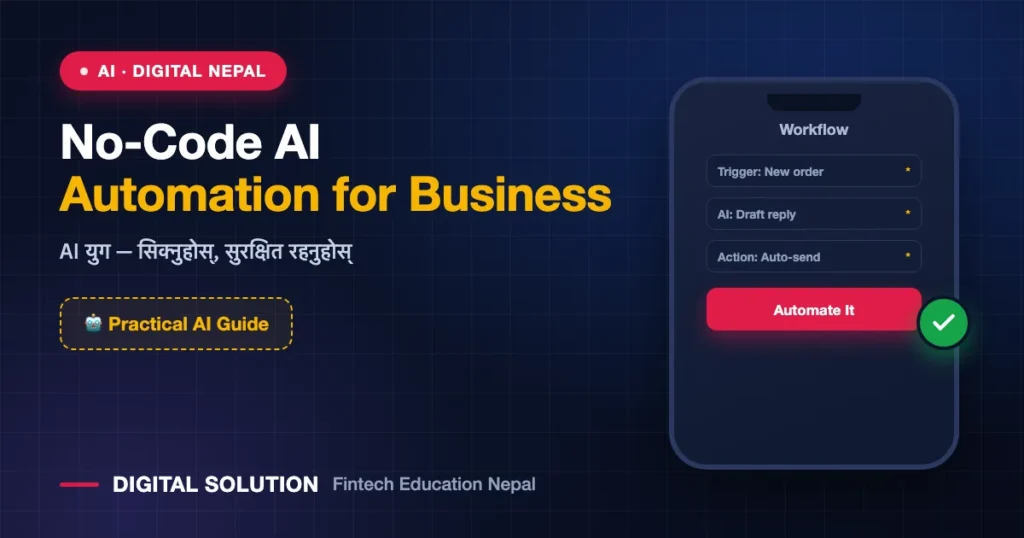
You do not need to be a programmer to automate your business with AI. Many Nepali small businesses still handle repetitive tasks by hand — replying to the same customer questions, copying data between apps, sending reminders, or posting on social media. No-code AI automation lets you connect apps and let AI do routine work, without writing a single line of code. This guide explains how to start simply and safely.
Quick answer: No-code AI automation uses visual tools to connect apps and trigger AI-powered actions automatically — for example, auto-replying to FAQs, sorting enquiries, drafting social posts, or generating summaries. You set the rules once, and the system runs on its own.
Key facts about no-code AI automation
- No coding required — you use drag-and-drop or simple settings.
- It works best for repetitive, rule-based tasks.
- You stay in control — you set the triggers and review outputs.
- Start small; automate one task first, then expand.
What Nepali businesses can automate
| Task | Example |
|---|---|
| Customer replies | Auto-answer common questions on Facebook/Messenger |
| Content drafting | Generate captions and product descriptions |
| Data entry | Move form responses into a spreadsheet automatically |
| Reminders | Send follow-up messages to customers |
| Summaries | Turn long feedback into short reports |
Step-by-step: start your first automation
- Pick one repetitive task that wastes your time daily.
- Choose a no-code tool that connects your apps.
- Set a trigger (e.g., “when a new form is submitted”).
- Add an AI action (e.g., “summarise” or “draft a reply”).
- Test it with a few examples before going live.
- Review outputs regularly and improve the rules.
Benefits for small businesses
- Saves time on repetitive work
- Faster customer response
- More consistent content and communication
- Lets small teams do more with less
Common problems and solutions
- Automating too much at once: start with one task and grow slowly.
- AI replies sound off: keep a human review step for important messages.
- Wrong data moved: test thoroughly before turning it on fully.
Safety, privacy and cost considerations
- Do not automate the handling of sensitive customer data without proper care and consent.
- Keep a human in the loop for payments, complaints and sensitive replies.
- Check tool pricing and free-tier limits before scaling up.
How Digital Solution can help
Digital Solution Pvt. Ltd., founded by Rabin Paudel, helps Nepali businesses learn practical AI and automation. Explore courses on the Digital Solution learning platform and more business guides on the main website.
Frequently asked questions
Do I need coding skills for AI automation?
No. No-code tools let you build automations visually with triggers and actions, without programming.
What should I automate first?
Start with one repetitive daily task, such as answering common customer questions or drafting social posts.
Is AI automation expensive?
Many tools have free tiers for small use. Check pricing and limits before scaling to larger volumes.
Can automation make mistakes?
Yes. Always test first and keep a human review step for important or sensitive tasks.
Conclusion
No-code AI automation lets Nepali small businesses save time and serve customers faster without hiring developers. Start with one simple task, test it carefully, keep a human in the loop for sensitive work, and expand gradually. Done well, automation frees you to focus on growing your business.
Want to learn practical AI automation for your business? Explore courses on the Digital Solution learning platform.
Sources and official references
- OpenAI — Business use resources openai.com
- Google — Workspace and automation help support.google.com
Disclaimer: This article is for general educational purposes. Tools, features and pricing change over time. Confirm current details with each provider before subscribing.

Rabin Paudel
Rabin Paudel is the Founder of Digital Solution, a Content Creator, and an AI Trainer. He shares practical and easy-to-understand content on Artificial Intelligence, Digital Literacy, Online Services, FinTech, and Technology. His mission is to make technology simple, accessible, and useful for everyone.
View all posts by Rabin Paudel →